Navigating client updates in Erinn can often feel like an uphill battle against slow downloads, corrupted file checks, and endless patching cycles. If you have been searching for a reliable mabinogi lazy patch solution, you are not alone. Thousands of players rely on community-driven patching shortcuts, custom data folder tweaks, and streamlined update methods to bypass launcher bottlenecks and get straight back into Fantasy Life.
In this comprehensive guide, we break down what the mabinogi lazy patch concept actually entails, how to handle client update issues safely, and how to apply quality-of-life modifications without risking account security or game stability.
Quick-Facts Breakdown: Official Updates vs. Community Lazy Patch
| Feature / Aspect | Official Nexon Launcher Patch | Community Mabinogi Lazy Patch |
| Primary Focus | Full game files, security integrity, official hotfixes | Selective file downloads, fast repairs, performance mods |
| Safety Level | 100% Safe (Directly supported by Nexon) | Requires careful verification to avoid corrupted files |
| Download Speed | Varies depending on server load & regional routing | High efficiency via direct file replacement or custom mirrors |
| Account Risk | Zero risk | Low to moderate (depends on visual vs. system-level edits) |
| Best Used For | Standard game maintenance & major content updates | Fixing launcher stalls, removing client clutter, QoL tweaks |
Understanding the Mabinogi Lazy Patch Concept
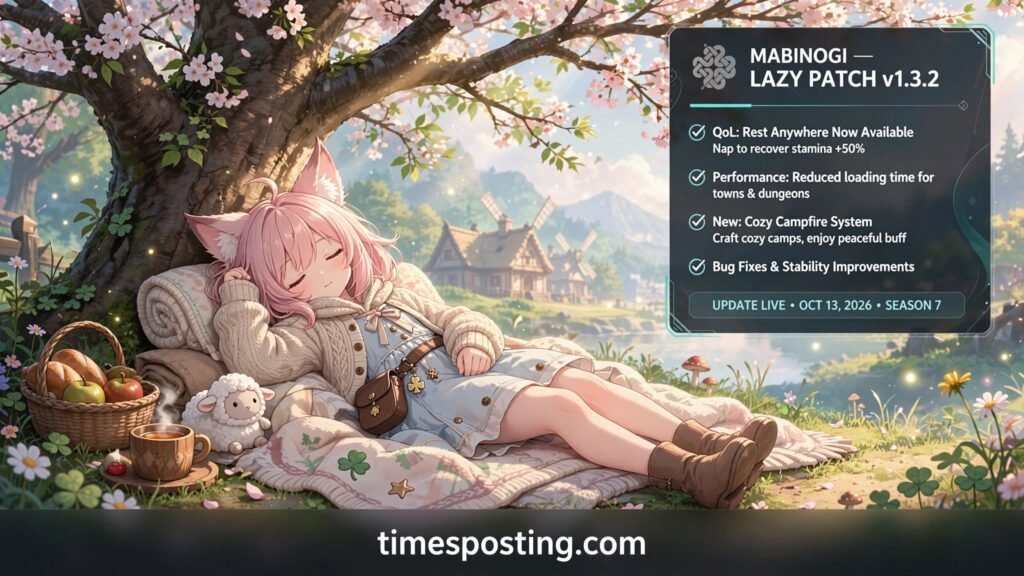
In the Mabinogi player base, the term mabinogi lazy patch refers to two distinct approaches: technical update shortcuts and quality-of-life client optimizations.
[Mabinogi Update Stream]
       │
       ├─► Technical Lazy Patching ──► Selective File Replacement & Direct Repair
       │
       └─► Gameplay/QoL Tweaks    ──► Fog Removal, Model Minimization & UI Speedups
1. Technical Selective Patching
When a major update drops, the standard launcher frequently verifies gigabytes of unchanged assets. A technical mabinogi lazy patch replaces only the exact .pack or data files modified in the latest version. This avoids full client re-scans and saves massive bandwidth during peak patch days.
2. Quality-of-Life (QoL) Data Modifications
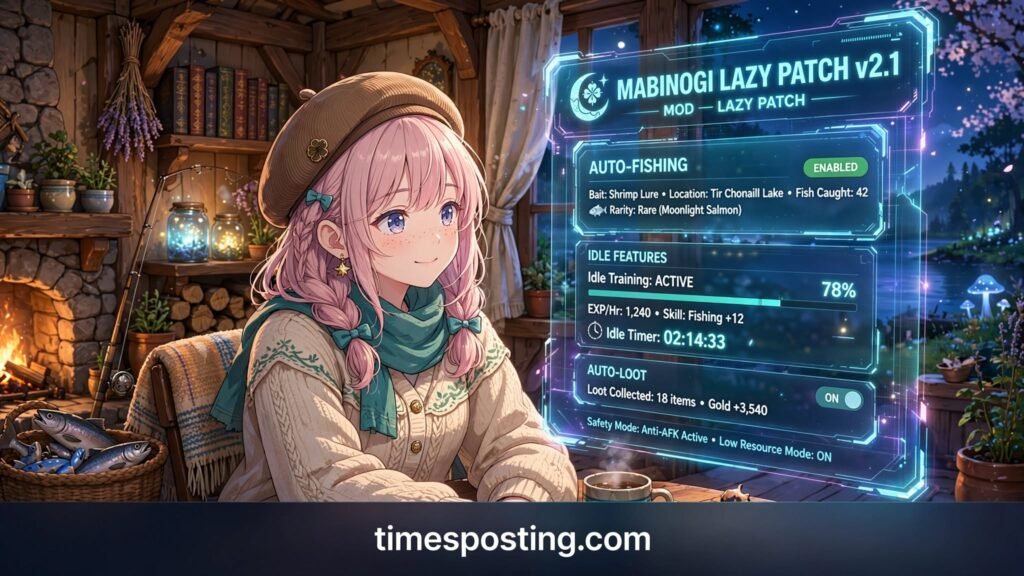
The secondary definition involves client-side adjustments designed to reduce repetitive friction. Common modifications include skipping long cutscenes, removing dungeon fog to boost frame rates, scaling up dropped item meshes for easy looting, and streamlining UI responsiveness.
Key Benefits of Using a Mabinogi Lazy Patch Setup
Integrating an optimized update routine offers immediate advantages for both daily players and returning veterans:
- Drastically Reduced Patch Times: Bypass repetitive file verification routines and download only modified game assets.
- Enhanced Client FPS: Removing heavy particle effects like sandstorms, Rath Castle eye-glows, or ambient rain density yields significant performance gains.
- Improved Visibility: Custom mesh overrides increase the size of critical drops like dungeon keys, arena coins, and quest items.
- Streamlined Dungeoneering: Eliminating dungeon fog and expanding minimap zoom levels makes navigation smooth across complex zones.
How to Apply a Safe Mabinogi Lazy Patch Routine
When managing your game files, follow this step-by-step procedure to keep your client stable and prevent patch errors.
Step 1: Backup Data ──► Step 2: Download Patch ──► Step 3: Extract Files ──► Step 4: Verify Client
Step 1: Back Up Your Existing Data Folder
Before applying any community patch or modification, create a safety copy of your primary game directory.
- Navigate to your main installation directory (e.g.,
C:\Nexon\Library\mabinogi\app\). - Locate the
datafolder or target.packarchives. - Copy and store this folder in a separate backup location.
Step 2: Acquire Verified Patch Files
Obtain the latest update files or lazy patch packs from trusted open repositories like GitHub or verified community archives. Ensure the release version matches your current game region.
Step 3: Extract and Replace Target Files
Extract the archive directly into your installation path. If you are using a selective data folder structure, merge the new files with your existing setup. Accept prompt overwrites only after confirming your backup is secure.
Step 4: Validate Game Client Startup
Launch Mabinogi directly through the launcher to verify successful execution. If the client crashes on startup, restore your original backup immediately.
Troubleshooting Mabinogi Lazy Patch Issues & Launcher Errors
Even with proper preparation, update bottlenecks or corrupted file warnings can occur. Use these verified fixes to resolve common patching failures:
- Stuck on File Verification: Restart the Nexon Launcher with Administrator permissions. Clear the launcher cache via settings to force a fresh manifest check.
- Missing DLL or Pack Mismatch: Run the official “Repair Installation” tool within the launcher options before applying custom files.
- Post-Patch Client Crashes: Major game updates often alter internal database schemes (like
itemdb.xmlordungeondb2.xml). Remove outdated XML modifications from yourdata/db/directory until updated versions are released. - High Latency & Routing Spikes: Combine your streamlined client with custom network routing tools to minimize packet loss during peak server hours.
Essential Safety Rules for Mabinogi Lazy Patching
Maintaining account security while using custom patches requires strict adherence to safe downloading practices.
Security Warning: Never download
.exeexecutables, automated injection scripts, or patchers from unverified file-sharing sites. Stick exclusively to open-source XML/mesh modifications and official Nexon update mirrors.
Top Mistakes to Avoid:
- Ignoring Version Matching: Applying an old mabinogi lazy patch built for a previous generation update will cause instant client crashes upon login.
- Disabling Antivirus Software: Do not turn off your computer’s security shield to run executable patchers. Legitimate resource patches contain standard image, sound, or database files that require zero system permission overrides.
- Overwriting Without Backups: Always keep a clean copy of your game folder to avoid full client reinstalls when files break.
Modern Mabinogi Performance & Quality-of-Life Alternatives
If your main goal when looking up a mabinogi lazy patch is improving frame rates and playability, consider these safe, native alternatives:
- Eternity Engine Updates: With Nexon actively transitioning Mabinogi to modern engine architectures, many older performance patches are natively addressed in official client updates.
- Built-in Quality-of-Life Options: Check the in-game display settings to turn off spell effects, reduce shadow maps, and hide player pets during crowded raids.
- Direct File Repair: Use official client verification features whenever patch errors occur rather than downloading full external client mirrors.
Frequently Asked Questions
What is a mabinogi lazy patch?
A mabinogi lazy patch is a community term for methods or file packs that simplify updating the game, repair stalled client downloads, or apply performance modifications to bypass lag and visual clutter.
Is using a mabinogi lazy patch safe for my account?
Using pure visual and performance modifications (like fog removal or key mesh resizing) carries low risk if sourced from open community archives. However, executable patchers or third-party automation tools violate Nexon’s Terms of Service and should be avoided.
How do I fix a slow or stuck patch update?
Restart your launcher as an administrator, confirm your network connection, clear the launcher cache, or use the official “Repair Installation” feature before attempting manual file overrides.
Conclusion
Mastering your mabinogi lazy patch workflow gives you complete control over your installation, saving valuable time during patch days and boosting in-game performance. By keeping clean backups, avoiding suspicious executables, and relying on verified selective update methods, you can enjoy a smooth, optimized Fantasy Life experience without update hassle.