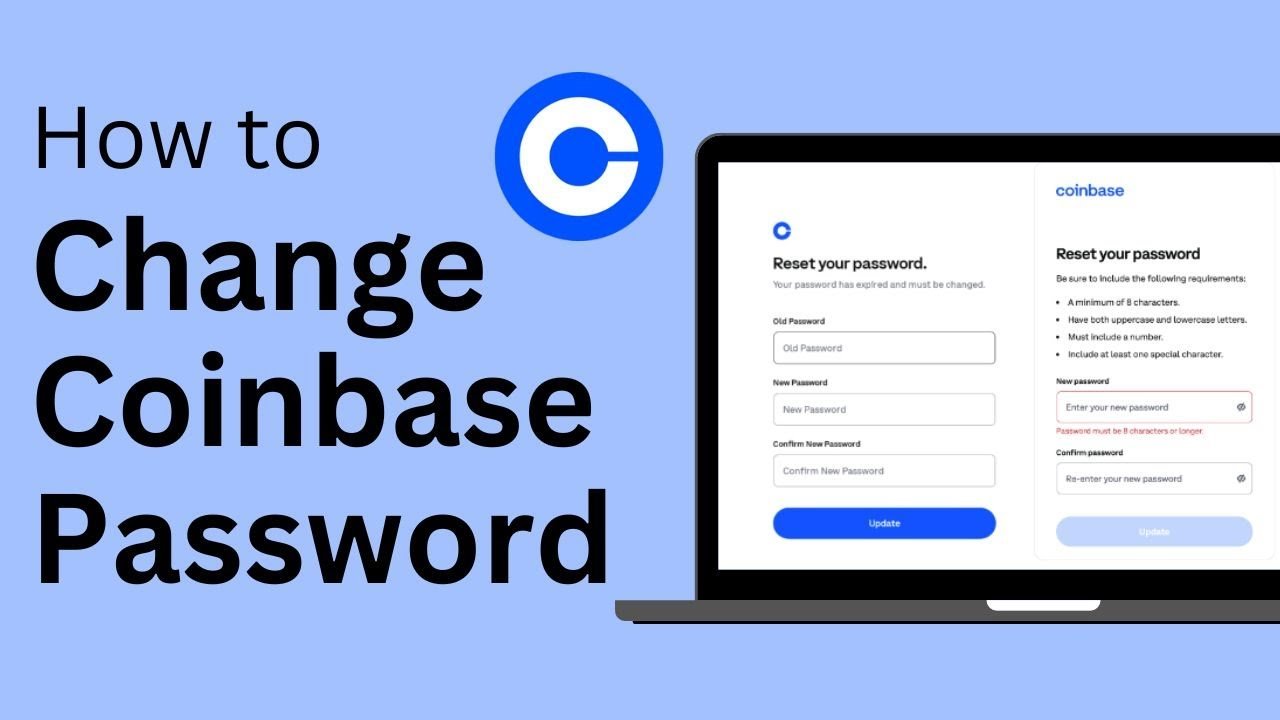
Forgetting a password can be frustrating, especially when it is connected to your crypto account. The good news is that the Coinbase password reset process is fairly simple when you still have access to your registered email.
In this guide, you will learn how to reset your Coinbase password, what to do if the reset email does not arrive, and how to make your account safer afterward.
How to Reset Your Coinbase Password
If you cannot remember your password and are signed out of your account, follow these simple steps:
- Go to the official Coinbase password reset page.
- Enter the email address linked to your Coinbase account.
- Select Reset password.
- Coinbase will send a verification code to your email.
- Enter the code on the password reset screen.
- Follow the instructions to create your new password.
Coinbase currently says that signed-out users receive a 6-digit verification code by email as part of the reset process.
Once your password has been changed, try signing in again using the new password.
Reset Your Password While Signed In
You may also want to change your password even when you can already access your account. This can be a good idea if your password is old, weak, or used on another website.
According to Coinbase, signed-in users can go to their account security settings, select Update next to Password, complete 2-step verification, and then enter a new password.
Always choose a password that you do not use anywhere else.
Coinbase Password Reset Email Not Arriving?
Sometimes you request a Coinbase password reset, but the email does not appear in your inbox.
Do not panic. Start with a few basic checks.
Look inside your spam, junk, trash, promotions, and other email folders. You can also search your inbox for messages containing @coinbase.com.
Coinbase recommends checking email filters and adding its domain to your trusted sender or contacts list if expected emails are not arriving.
Also make sure you entered the same email address that is connected to your Coinbase account.
Avoid repeatedly clicking unknown password-reset links from emails or messages. It is safer to open Coinbase through its official website and start the reset process yourself.
What If You Lost Access to Your Email?
A normal Coinbase password reset may not solve the problem if you no longer have access to your registered email address.
In this situation, you may need to use Coinbase’s account recovery process. Coinbase provides account recovery options for people who have lost access to their email or 2-step verification method, and identity verification may be required.
Follow only the instructions shown on the official Coinbase website or Help Center.
What If You Lost Your 2-Step Verification?
Your password and your 2-step verification method are different security layers.
If you remember your password but cannot access your 2-step verification method, you may need to recover your account rather than simply changing the password.
Coinbase’s help information directs users who have lost their 2-step verification method toward its account recovery process.
You may be asked to verify your identity before full account access is restored.
How to Create a Safer Coinbase Password
After completing your Coinbase password reset, do not replace your old password with another easy password.
A stronger password should be:
- Long and difficult to guess
- Unique to your Coinbase account
- Different from your email password
- Stored safely
- Not shared with anyone
Coinbase recommends using a long, random, unique password and suggests using a trusted password manager to create and store passwords securely.
For example, avoid passwords based on your name, birthday, phone number, or simple patterns.
Most importantly, never reuse the same password across several important accounts. If one website suffers a data breach, a reused password could put your other accounts at risk.
Be Careful of Coinbase Password Reset Scams
Password problems can make people act quickly, and scammers often try to take advantage of that.
You may receive an email, text, social media message, or phone call claiming that your Coinbase account needs an urgent password reset.
Before clicking anything, check carefully.
Coinbase states that its employees will never ask you to provide your password.
Never share your password, verification codes, or other sensitive sign-in details with someone claiming to be support.
When possible, go directly to the official Coinbase website instead of using links sent through unexpected messages.
Tips After Resetting Your Password
Changing your password is only one part of protecting your account.
After completing the reset, consider reviewing your account security settings. Make sure your email account is also protected, keep 2-step verification enabled, and check for any activity you do not recognize.
Coinbase recommends stronger 2-step verification options such as security keys or passkeys where available.
Keeping your email secure is especially important because password reset and account security messages are normally sent there.
Final Thoughts
The Coinbase password reset process can help you regain access when you forget your password. In most cases, you simply request a reset, verify the code sent to your email, and create a new password.
If you cannot access your email or 2-step verification method, you may need to use Coinbase account recovery instead.
Most importantly, use only official Coinbase pages, choose a unique password, and never give your password or verification information to another person.
Frequently Asked Questions
1. How do I reset my Coinbase password?
Go to the official Coinbase password reset page, enter the email connected to your account, receive the verification code, and follow the instructions to create a new password.
2. Why am I not receiving my Coinbase password reset email?
The message may have gone to your spam, trash, promotions, or another filtered folder. Check your email settings and search for messages from the Coinbase domain.
3. Can I reset my Coinbase password without access to my email?
If you have lost access to your registered email, you may need to complete Coinbase’s account recovery and identity verification process instead of using the normal password reset.
4. What should I do if I also lost my 2-step verification?
Use Coinbase’s account recovery options for lost 2-step verification access. You may need to verify your identity before recovering full access.
5. Is a Coinbase password reset email safe?
A genuine password-reset request should be handled carefully through official Coinbase pages. Avoid unexpected links, never share your password or verification codes, and remember that Coinbase says its employees will not ask for your password.